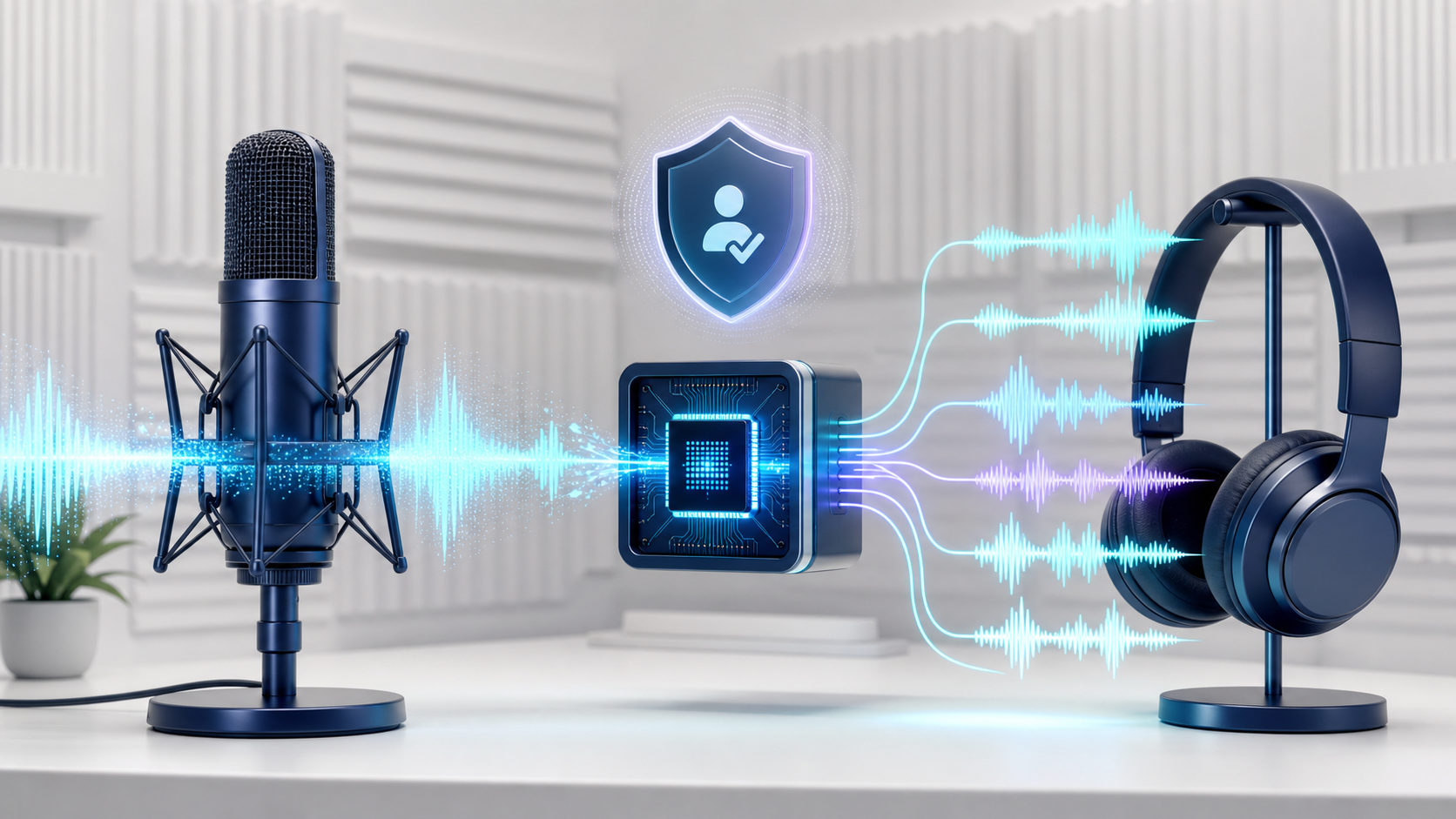
Voicebox is an open-source, local-first voice studio for generating speech, creating authorized voice profiles, transcribing audio, and dictating into applications. The project brings several speech engines into one desktop experience and stores local captures in its own data directory.
Core capabilities
According to the official project, Voicebox supports multiple text-to-speech engines, curated preset voices, multilingual generation, transcription, and global-hotkey dictation. Some engines support zero-shot voice cloning from a reference recording, while others provide fixed or customizable voices. The exact capabilities depend on the selected engine and release.
Why local-first matters
Keeping recordings and processing on a computer can reduce unnecessary cloud exposure and give creators more control over sensitive audio. Local does not automatically mean risk-free: users still need to protect the device, review model licenses, and understand whether any optional engine or integration contacts an external service.
Ethical voice cloning
Only clone your own voice or a voice for which you have clear, informed permission. Do not use cloned speech to impersonate someone, evade authentication, mislead an audience, or create fraudulent messages. Disclose synthetic narration when context requires it, and keep the original consent record.
Useful workflows
Create narration drafts in your own authorized voice.
Dictate notes and messages without sending every recording to a cloud service.
Compare speech engines for language, latency, and tone.
Give an MCP-aware local assistant a voice for accessibility or prototyping.
Getting started
Check supported operating systems, hardware acceleration, model downloads, and the latest release instructions in the official Voicebox repository. Begin with a short, clean reference recording made in a quiet room and evaluate intelligibility before attempting long narration.
Video reference: Watch the Voicebox segment from 4:36.